How to Make a Product Look Like It's Moving (Free, in Your Browser)
8 min read
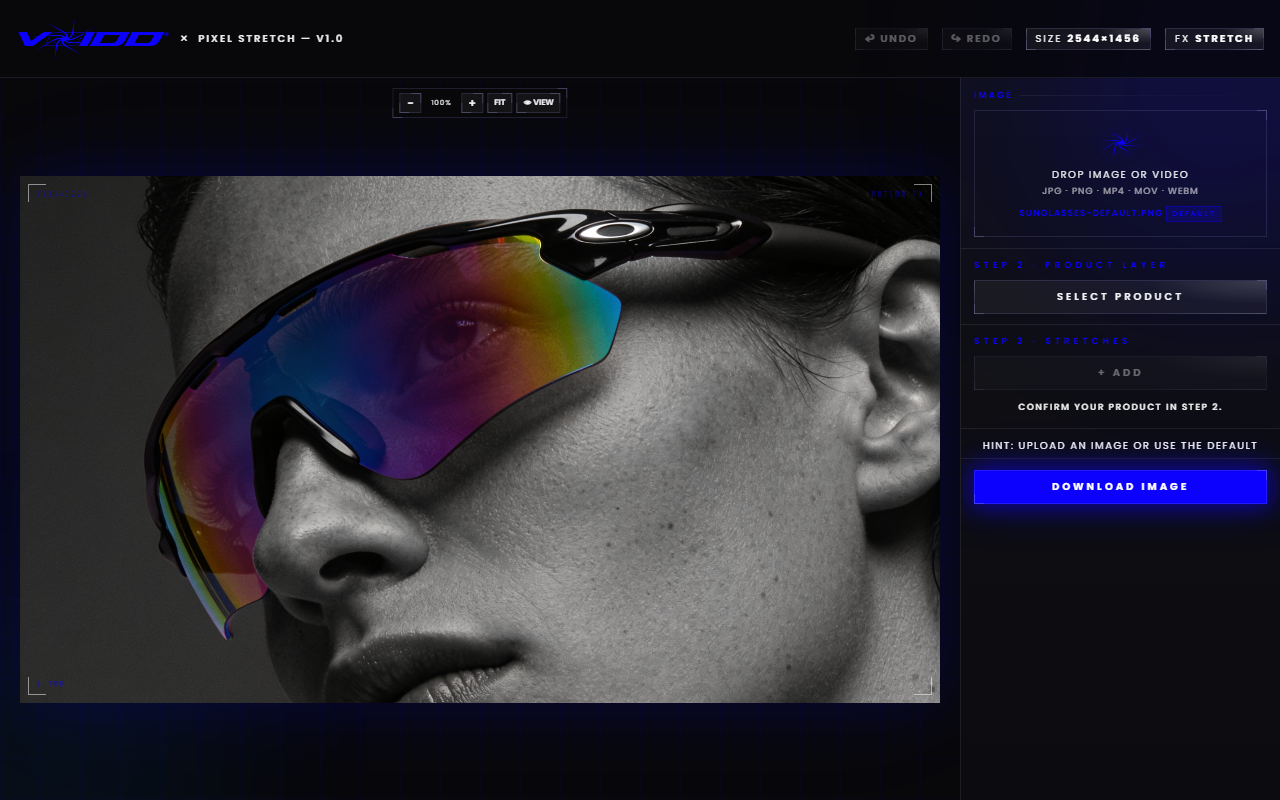
A still product photo looks like it's moving when you add a directional trail behind it. The fastest free way is a pixel stretch: select the product, drag a stretch layer in the direction of travel, and the smeared pixels read as speed. You can do the whole thing in a browser with the free pixel stretch generator. No Photoshop, no watermark, no signup. If you would rather build it by hand, the pixel stretch effect in Photoshop guide shows the layer-by-layer version; the motion trail effect tool guide goes deeper on the browser route.
That is the short answer. The rest of this guide covers why the trick works on the human eye, the exact steps, which products it flatters, and how to push the same idea into a fully animated Shopify hero.
Why does motion make product photos convert?
Motion cues grab attention because the visual system prioritizes anything that might be moving. A photo with a trail gets read before the static thumbnails around it. In a feed or a collection grid, that half-second head start is the whole game: the shopper looks at your product first, and looking first correlates with clicking first.
There is a second effect that matters just as much. Implied motion tells a story about the product. A sneaker with a trail is being worn mid-stride. A cologne bottle with a vertical smear is falling through space in a perfume commercial. Static packshots say "here is the object." Motion says "here is the object doing something," and stories outsell inventories.
You do not need video to get this. Video is heavy, expensive to produce, and autoplay rules keep changing. A still image with a convincing motion trail loads instantly, works everywhere a JPEG works, and costs you two minutes.
What is a motion trail, and why does it work on a still image?
A motion trail is a directional streak that extends from the subject, imitating what a camera records when something moves during a long exposure. Photographers call the real version motion blur. The edited version copies the last row of pixels along one edge and stretches them outward, which is why designers call it a pixel stretch.
Your brain has seen thousands of long-exposure photos: car light trails, athletes mid-sprint, waterfalls turned to silk. The streak pattern is burned in as a motion signal. So when a product photo carries the same pattern, the brain files it as "captured while moving" even though the product never left the table.
The pixel stretch version has one advantage over true blur. Blur destroys detail across the whole subject. A stretch keeps the product tack sharp and pushes all the smearing into the trail. Sharp product, blurred wake. That combination is what makes editorial covers and sneaker campaigns feel fast without looking smudged.
How do you add a motion trail to a product photo for free?
Open the free Pixel Stretch builder, drop in your photo, let the AI select the product, then drag a stretch in the direction opposite to the implied movement. Export a full-resolution PNG with no watermark. The whole flow runs in your browser and takes about two minutes.
Here is the step-by-step:
- Upload your photo. Drag any product shot into the builder. Clean, well-lit shots on simple backgrounds give the cleanest trails, but busy backgrounds work too because the stretch layer is isolated.
- Select the product. Hit Select Product and the built-in AI cuts the subject out for you. One click. If you want manual control, click directly on the product instead.
- Add a stretch layer. Choose the edge the trail should grow from. Movement to the right means the trail streams off the left edge. Falling means the trail rises off the top.
- Drag the length. Short trail reads as a subtle drift. Long trail reads as full speed. Somewhere between 30 and 60 percent of the product's width is the sweet spot for most shots.
- Stack a second stretch (optional). Two trails at slightly different angles add depth, like the product is tumbling rather than sliding.
- Export. Download the finished PNG at full resolution. There is no watermark and nothing to install.
Each stretch lives on its own layer, and only the active layer responds to your input, so you can adjust one trail without disturbing the others or the product itself.
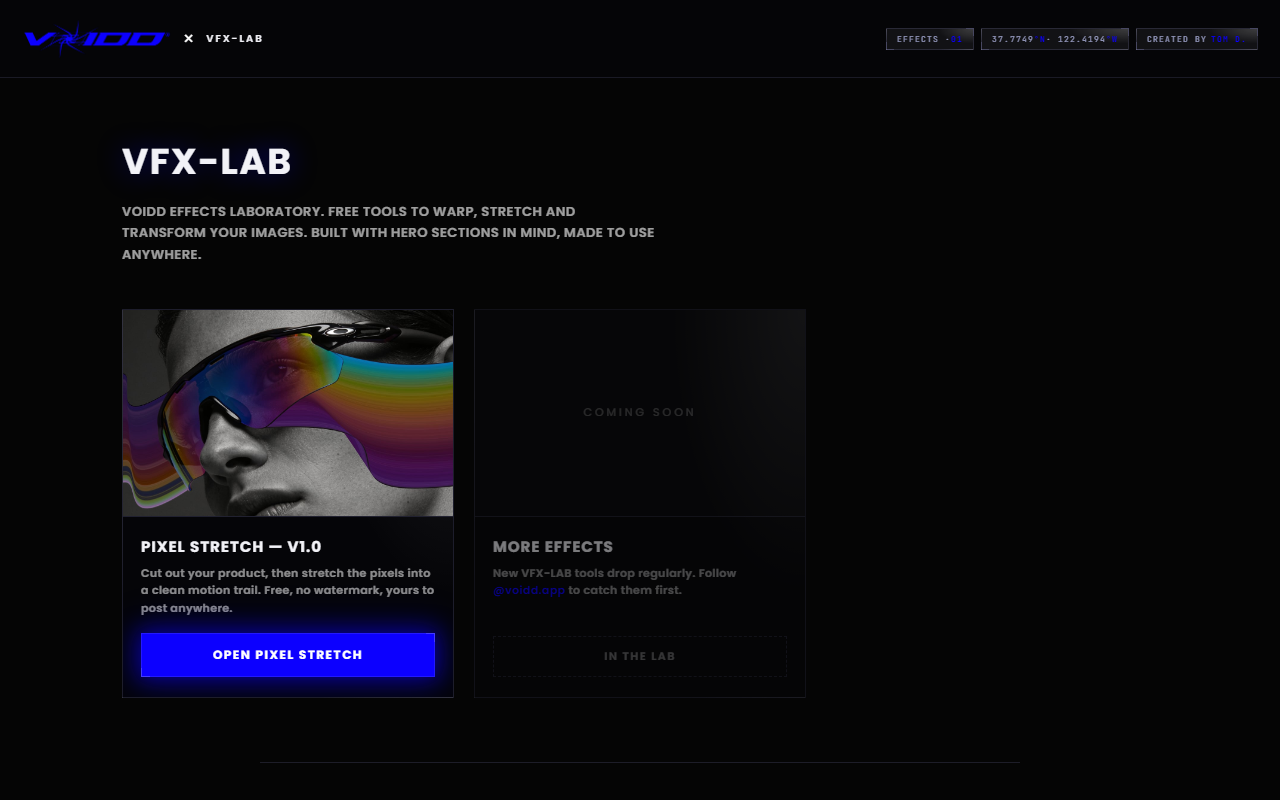
The builder is part of VFX-LAB, a set of free browser tools for product imagery. Same deal across the set: free, watermark-free, runs locally in your browser.
Which products benefit most from the moving look?
Anything a customer already associates with speed, impact, or falling gains the most: sneakers, sports gear, drinks, fragrance, tech accessories, streetwear. Products with strong silhouettes stretch beautifully. Products whose value is fine surface detail, like jewelry macro shots, need shorter, subtler trails so the smear never touches the craftsmanship.
A quick map:
- Sneakers and apparel. The natural fit. Horizontal trails imply stride and hustle. This is the look half of sneaker Instagram is built on.
- Bottles and cans. Vertical trails read as a dramatic drop or a rise through space. Great for cologne, hot sauce, energy drinks.
- Tech and accessories. Diagonal trails give a "launching" feel that suits headphones, controllers, phone cases.
- Jewelry and watches. Use restraint. A short trail off one edge adds life; a long one buries the detail people are paying for. Keep the face or the stone completely clean.
One rule holds everywhere: the product itself stays sharp. The moment the smear crosses into the subject, the image stops reading as fast and starts reading as broken.
Composition tricks that sell the motion before you edit
The edit works harder when the photo already implies movement. Shoot or crop with the product off-center, leaving empty space on the side the product is "moving toward." Tilt the product a few degrees. Angle light from the direction of travel. These cues cost nothing and multiply the effect of the trail.
Placement matters more than most people expect. A centered product with a trail looks like a mistake, because real moving objects are entering or leaving the frame, not posing in the middle of it. Push the product toward one third of the frame and give the trail room to breathe behind it.
If you want the math handled for you, the free Golden Ratio tool overlays a Fibonacci grid on your image so you can drop the product on a natural focal point before you stretch anything. Off-center placement plus a directional trail is the two-ingredient recipe behind most "how did they shoot that" product images.
How do you take the effect further with an animated Shopify section?
A motion trail makes one image feel alive. An animated hero section makes the whole page feel alive. If the still-image version earns clicks in your feed, the on-site version holds attention once shoppers land: real particle motion, levitating products, and interactive reveals rendered live in the browser instead of implied in a JPEG.
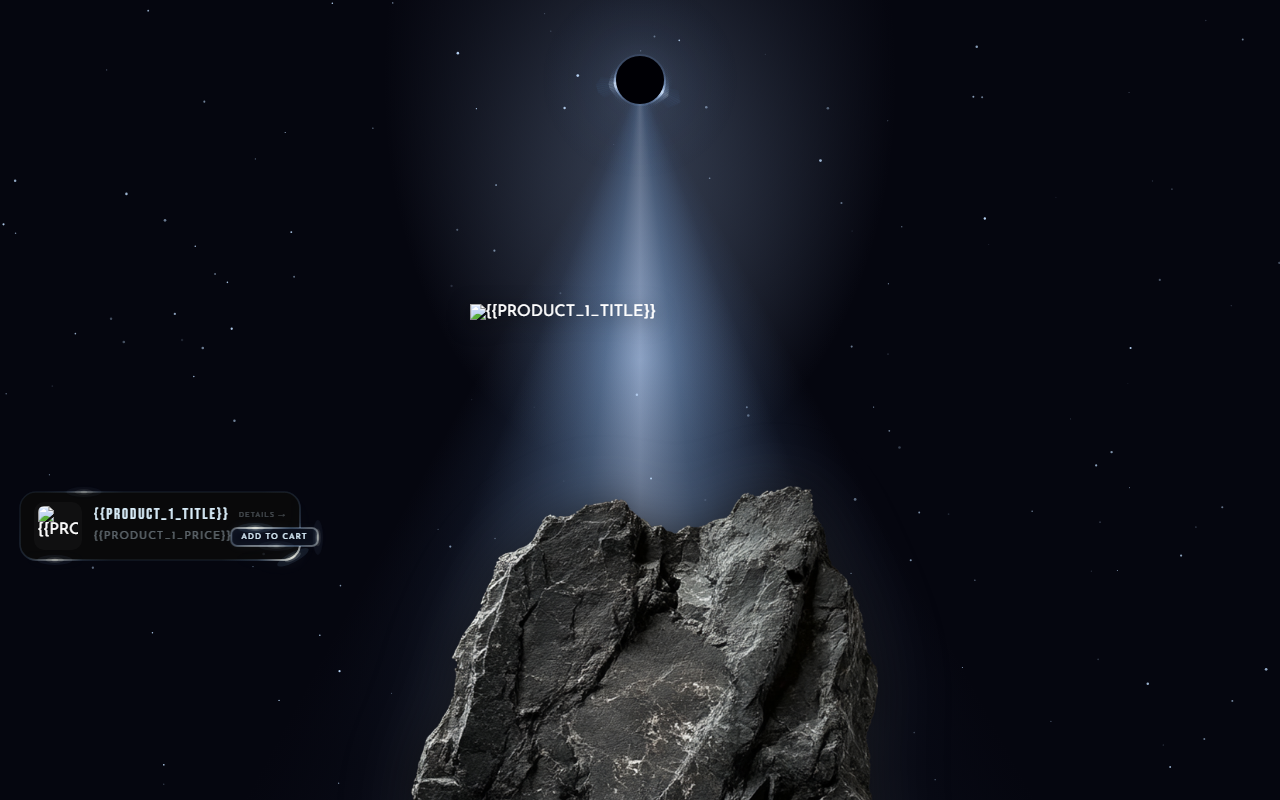
That is what VOIDD's animated Shopify sections do. Eclipse, for example, floats the product over an animated eclipse with drifting stars and a glow ring, all running as a native theme section a merchant installs without touching code. The stretched-photo trick and the animated section are the same idea at two budgets: implied motion for your static placements, actual motion for your storefront.
A practical pairing: use the pixel-stretched image as your ad creative and social thumbnails, then land the click on a page whose hero actually moves. The creative makes a promise and the page keeps it.
Common mistakes that make the effect look cheap
Four errors account for almost every bad motion trail: the trail is too long, the trail points the wrong way, the smear invades the product, or the trail direction fights the composition. All four are fixable in seconds once you know to look for them.
- Overstretching. A trail longer than the product itself tips from "fast" into "glitch art." Pull it back until the product still dominates the frame.
- Wrong direction. Trails stream opposite to travel. If your sneaker points right, the trail exits left. Reversed trails feel wrong even to viewers who cannot say why.
- Smearing the subject. Keep the selection tight. The product edge should be crisp against its own trail.
- Fighting the layout. Trail pointing into a text block or off the wrong edge of a banner creates tension. Decide where the image will live, then aim the motion into the empty space.
Test your export at thumbnail size before you ship it. An effect that looks subtle at full resolution can vanish at 300 pixels wide, and one that looks bold at full size can turn to mush. Small preview, quick judgment, then export.
FAQ
Can I make a product photo look like it's moving without Photoshop? Yes. The free Pixel Stretch tool runs entirely in your browser. Upload a photo, let the AI select the product, drag a stretch layer, and export a full-resolution PNG. No install, no signup, no watermark.
What's the difference between motion blur and a pixel stretch? Motion blur smears the whole subject, which kills detail. A pixel stretch keeps the product sharp and extends only the edge pixels into a trail. You get the speed signal without losing the product.
Does the free tool add a watermark or limit resolution? No watermark, and exports come out at full resolution. Uploads are accepted up to 20MB and large photos are downscaled to 2560px on the longest edge so the editor stays fast on any device, including phones.
Which direction should the motion trail point? Opposite to the direction of travel. A product moving right leaves its trail on the left. A falling product trails upward. Aim the trail into the empty side of your composition so it has room to read.
Will an image like this work as a Shopify hero? It works, but a genuinely animated section works harder. VOIDD's animated Shopify sections render real motion (particles, levitation, interactive reveals) natively in your theme with no code, which holds attention longer than any still image can.
*VOIDD builds cinematic sections and free VFX tools for Shopify stores. Every tool in VFX-LAB is free, watermark-free, and runs in your browser.*