
Animated Shopify Sections: What They Are and How to Add One Without Code
9 min read
An animated Shopify section is a theme block where the background, the product, and the interface respond to time and to the shopper's cursor instead of sitting still. The good ones run on Canvas and CSS inside your existing theme, install like any other section, and need zero code. This guide covers how they work, what they do to your speed score, and how to judge one before you install it.
What is an animated Shopify section?
It is a standard theme section, the same kind you drag into a page in the Shopify theme editor, except its contents move. Particles drift, the product levitates, light orbits, panels react when the cursor crosses them. Under the hood it is Liquid plus CSS plus JavaScript plus an HTML5 Canvas, not a video file and not a heavyweight 3D engine.
That distinction matters. A looping background video is also "animation," but it is a fixed recording: every shopper sees the same 15 seconds, it weighs megabytes, and your actual product is baked into the pixels. A real animated section renders live in the browser. It pulls your product image, your price, and your variant options from Shopify, then draws the motion around them. Change the product in the theme editor and the whole scene updates.
The most common placement is the hero, the first screen a visitor sees. That is where a static banner costs you the most and where motion earns the most, so most of this guide talks about heroes. The same logic applies to comparison sections, featured collections, and drop announcements.
Why do animated sections outperform static heroes?
Motion buys you the first look. The human visual system is wired to check moving things before still things, so an animated hero gets read before anything else on the screen, and before the back button. On a page that has roughly three seconds to make a case, winning the first glance is most of the fight.
The second reason is signaling. Shoppers cannot inspect your product through a screen, so they judge the store instead. A hero that moves like a title sequence says someone invested in this brand. A stock banner with a stock headline says the opposite. Neither impression has anything to do with your product quality, but both change whether the visitor scrolls.
The third reason is focus. Good section animation is choreography, not decoration. An orbiting glow that circles the bottle keeps the eye returning to the bottle. A spotlight that follows the cursor onto one of two products makes comparison physical. The motion should always end at the thing you sell.
One honest caveat: motion only outperforms when it is restrained. A hero where six things pulse at once performs worse than a clean static image. More on that below.
What are your options for adding animation to a Shopify section?
Four routes exist: theme-built settings, page builder apps, custom development, and dedicated section apps. They differ mostly in how much they weigh and who maintains the code. Here is the honest comparison.
Theme settings. Some premium themes ship fade-ins and parallax toggles. Free, already installed, and safe. Also generic: every store on that theme has the same fade. Fine as a floor, invisible as a differentiator.
Page builder apps. Builders like PageFly or GemPages let you attach entrance animations to blocks. Flexible, but the builder wraps your page in its own framework, which adds weight everywhere, and the animation library is the same tween catalog every other builder store uses.
Custom development. A developer can build exactly the scene you imagine. Expect four figures for a hero worth having, plus a maintenance relationship, because theme updates and browser changes will eventually break something with your name on it.
Section apps. Apps such as VOIDD install self-contained animated sections through Shopify's theme extension system. The section appears in your theme editor like a native block, you pick a product from a dropdown, and the app developer maintains the code. You get custom-build quality at app pricing, with the tradeoff that you choose from designed sections rather than commissioning your own.
If your store runs on a stock theme and your hero is currently a static image, the section app route gets you the biggest jump for the least risk.
Do animated sections slow down your Shopify store?
Only badly built ones. A well built animated section stays under 100KB of code, draws on a single Canvas, animates only properties the browser can composite on the GPU, and stops rendering when it scrolls off screen. That profile costs less page weight than one unoptimized product photo.
The things that actually tank speed scores are different: autoplaying background videos measured in megabytes, page builders that inject their framework site-wide, and animation libraries loaded from third party CDNs on every page. An animated section is not automatically light, but light animated sections absolutely exist, and the weight is inspectable before you commit.
Three checks before installing anything animated:
- Test the demo on your phone. Not the developer's video of the demo. The live thing, on mid-range hardware. Stutter in the demo means stutter on your store.
- Check the bundle size. Ask, or measure in your browser's network tab. Under 100KB is disciplined. A multi-megabyte hero needs a very good excuse.
- Confirm mobile has its own layout. A desktop scene scaled down to a phone reads as broken. Purpose-built sections switch to a vertical composition around the 768px mark.
What separates a premium animation from a gimmick?
Premium animation is slow, purposeful, and pointed at the product. Gimmick animation is fast, decorative, and pointed at itself. You can test any section against that line in ten seconds: watch it and ask where your eye lands. If the answer is "the effect," skip it.
Some specific tells, in both directions:
- Speed. Luxury moves at a slow burn. Watch an Apple product page or a fragrance campaign: nothing bounces, nothing springs. If elements snap and wobble, the section will read as a toy.
- One idea per scene. An eclipse behind a levitating bottle is one idea, executed. Particles plus parallax plus a spinning badge plus a shimmer is four ideas, canceling each other.
- Interaction with a payoff. Cursor response should reveal something: a product detail card, the second contender in a comparison, a price. Motion that reacts but reveals nothing is a screensaver.
- The product stays the hero. In every frame, the most visually important object should be the thing for sale. Animation that competes with the product is working against you.
What does an animated section look like in practice?
The clearest way to answer is with the four SupaHero sections VOIDD ships, since each one solves a different merchandising job with a different motion language.
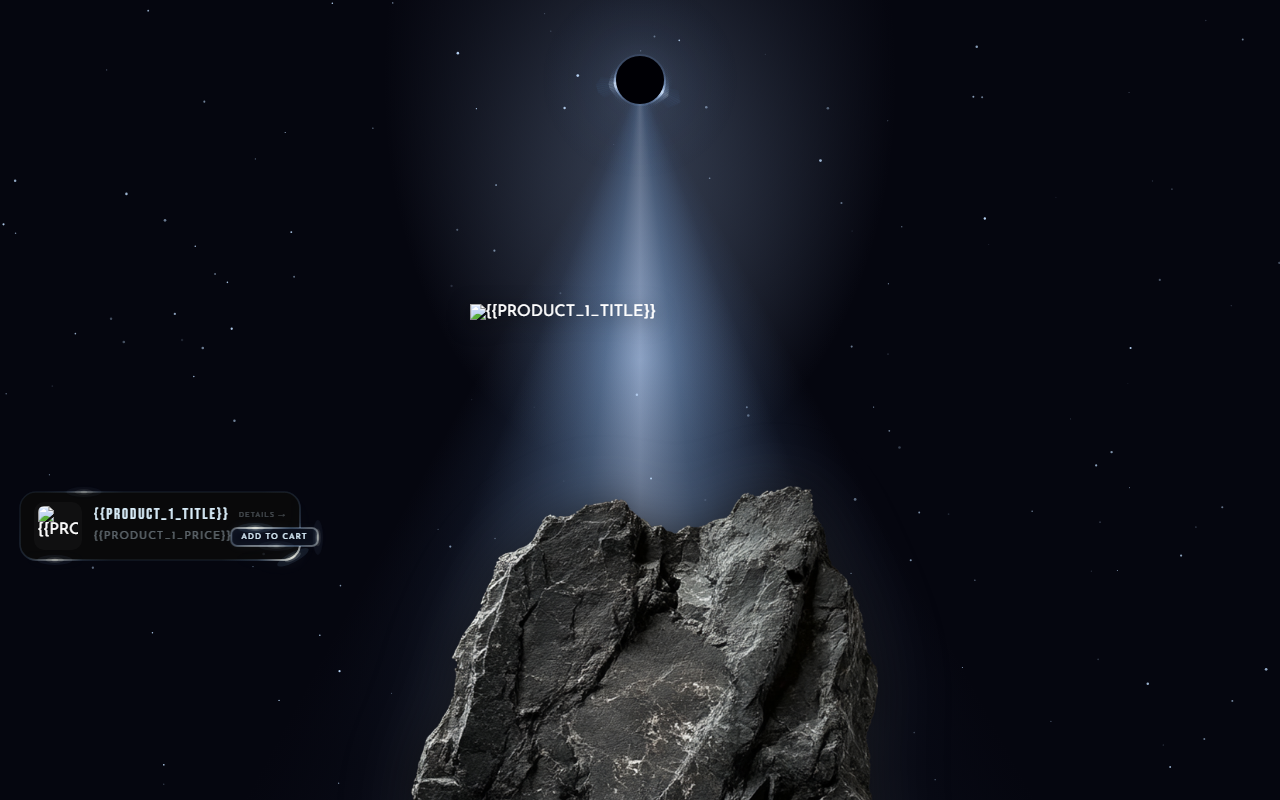
Eclipse is a cinematic single-product reveal. The product levitates over a stand inside a canvas-drawn eclipse, with a glow that orbits and roughly 150 flickering stars behind it. Built for a flagship: one product, full theater.
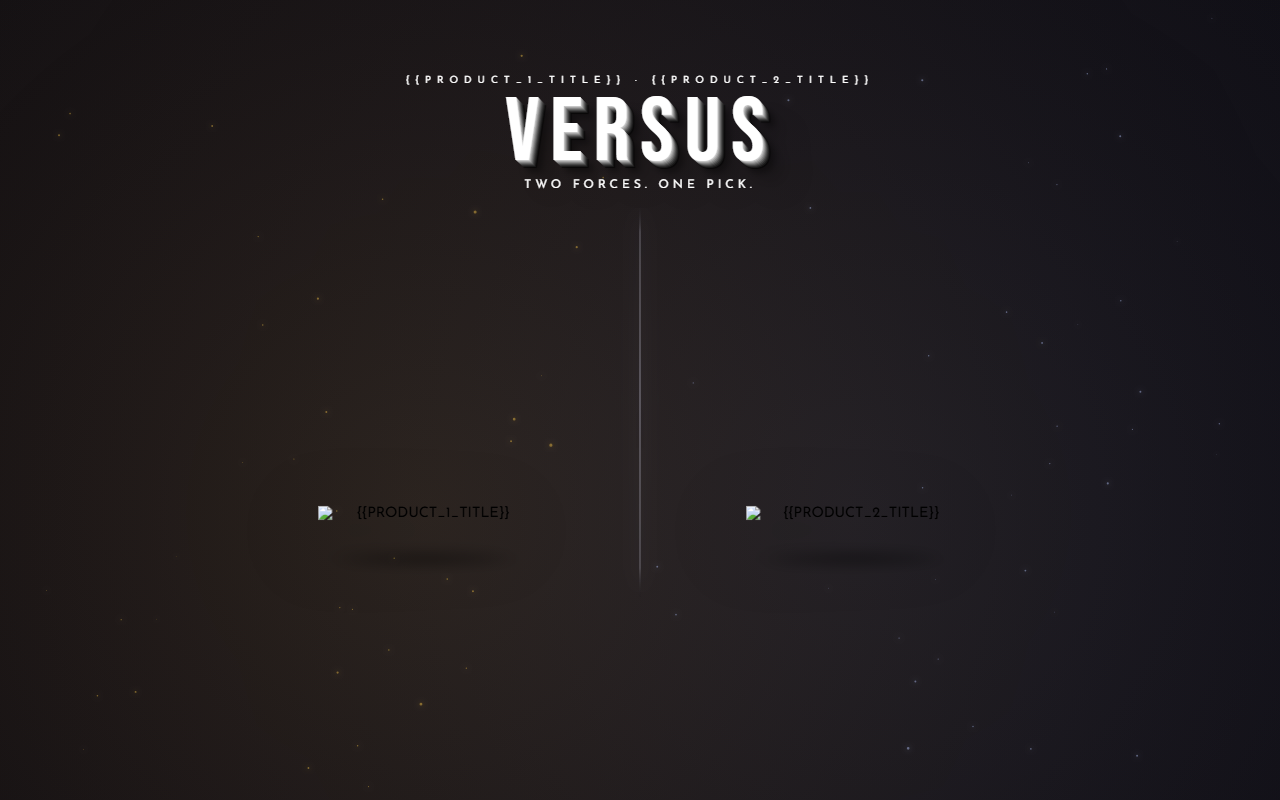
Versus is a two-product arena. The scene splits, and the side the cursor visits comes alive while the other recedes. Built for stores whose whole pitch is a choice: two colorways, two roasts, two editions.
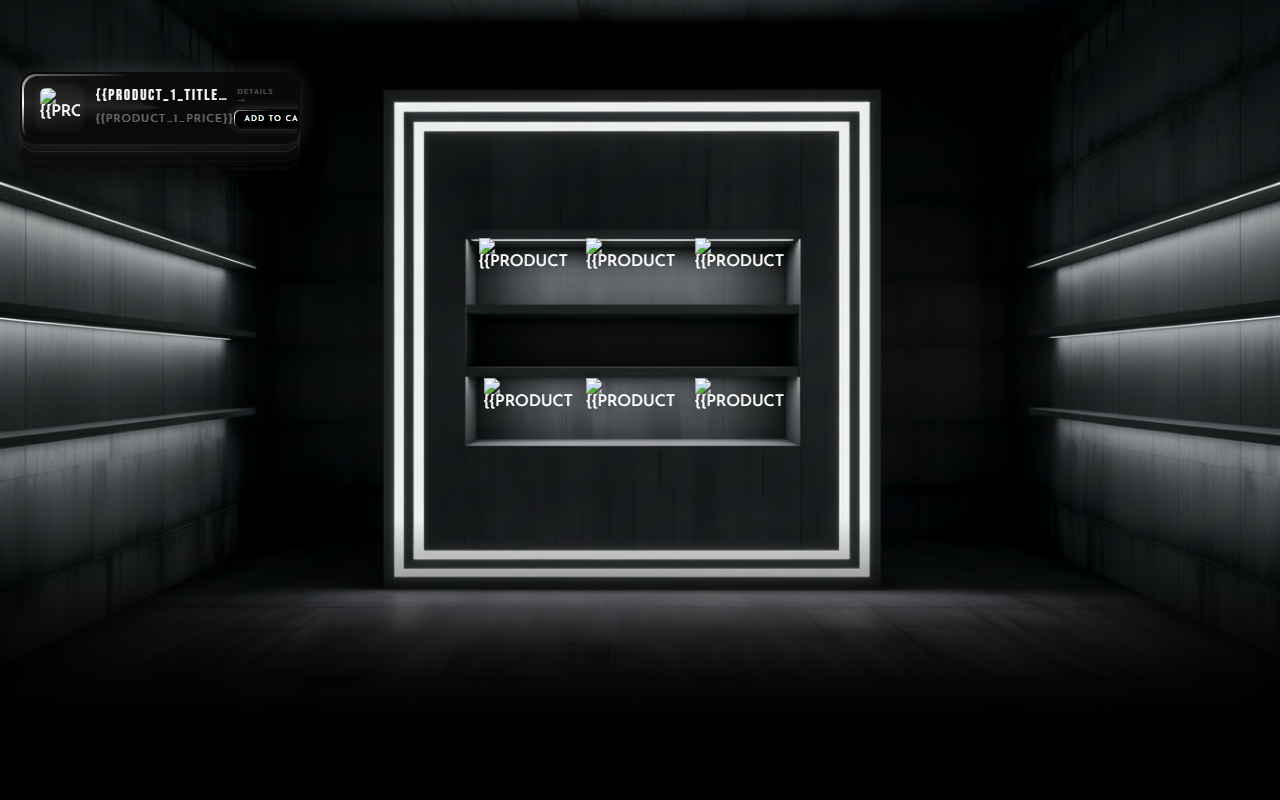
Universal holds three to six products in one animated shelf, with a detail card that pulls up when a shopper commits to one. Built for small catalogs that want a hero without electing a single favorite.
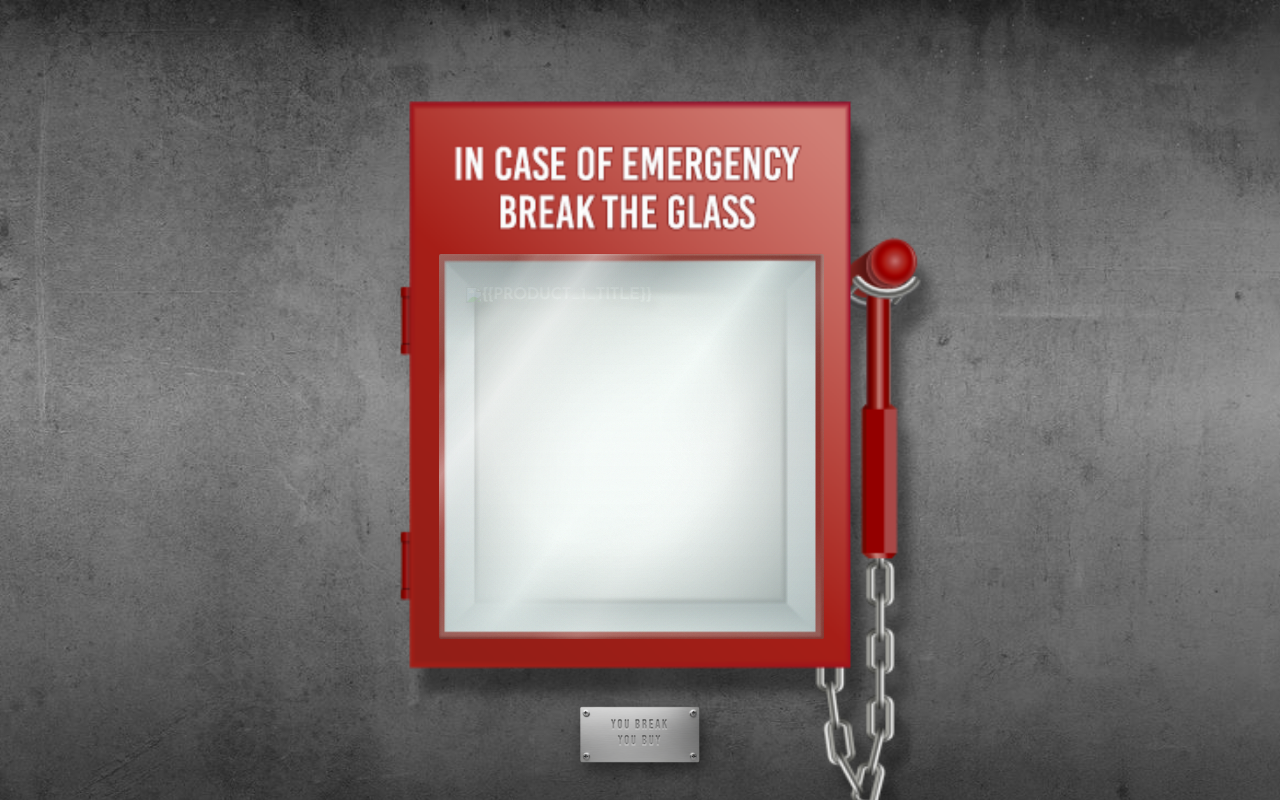
Emergency frames a drop behind break-glass urgency, alert styling around a product that arrives like a warning. Built for launches and limited runs.
All four are variant-aware, meaning price and options update live when the shopper switches a variant, including sale pricing with the original struck through. They ship in the VOIDD Shopify app, and the live demos are on voidd.app.
How do you install one without touching code?
Install the app, open the theme editor, add the section, pick a product. That is the whole procedure. Shopify's theme app extension system does the wiring, so nothing in your theme's code gets edited and uninstalling leaves no residue.
The step-by-step, using VOIDD as the example:
- Install from the Shopify App Store listing. The free tier includes animated sections, so you can evaluate on your real store before paying anything.
- Open Online Store, then Customize to enter the theme editor.
- Click Add section, and find the SupaHero sections under the Apps group.
- Pick your product from the section settings. The scene pulls the image, title, price, and variants automatically.
- Adjust the knobs: product size and position, colors, copy. Desktop settings derive a mobile layout on their own.
- Preview on a real phone, then publish.
No Liquid edits, no snippets pasted into theme files, no developer on retainer. If you later switch themes, the section comes along, because it lives in the app rather than in the theme.
Can you get the animated look in a product photo instead?
Yes, and it is the right first step if you are not ready to change your theme. A still product image with a motion treatment carries some of the same energy into places a section cannot go: marketplace listings, email headers, social posts.
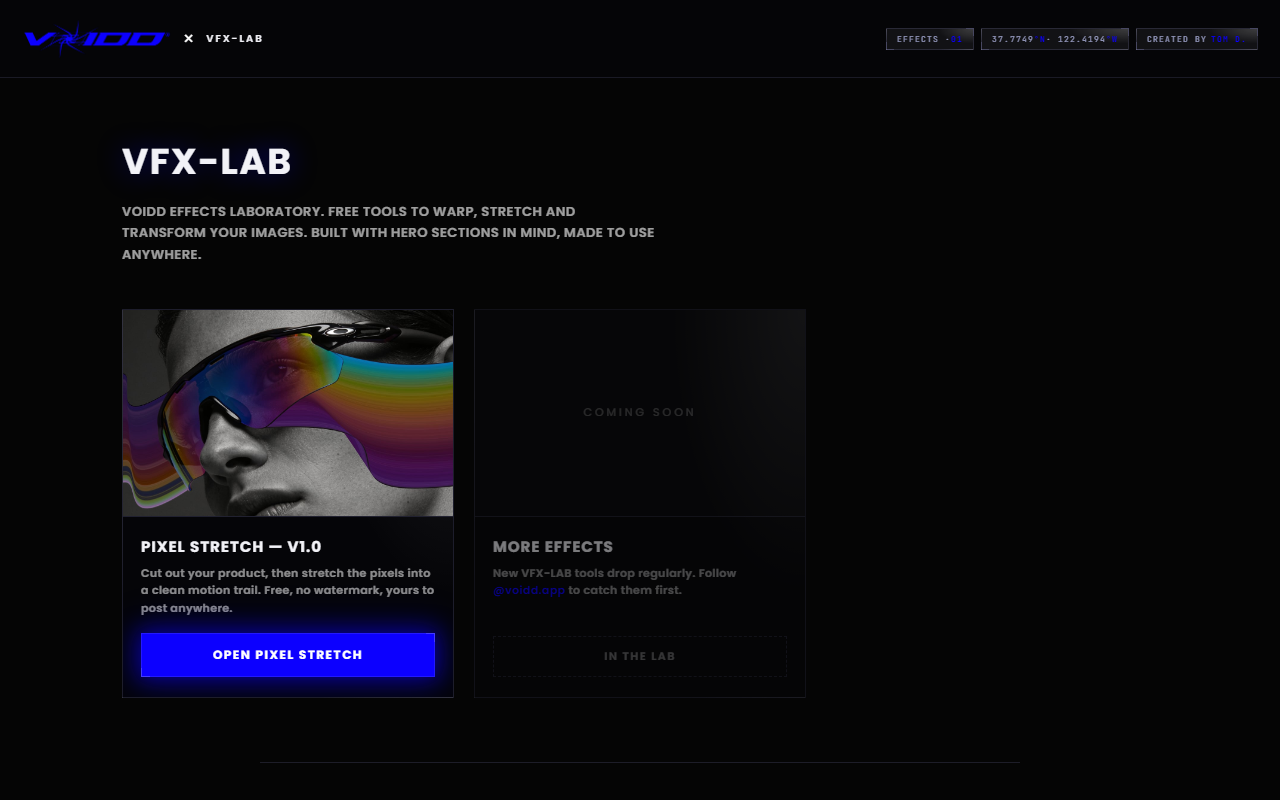
The free tools in VFX-LAB run in your browser with no watermark and no signup. The Pixel Stretch builder adds a directional motion trail to a product photo in about two minutes: the AI selects the product, you drag a stretch layer, you export a full-resolution PNG. A stretched hero image is a genuinely decent stand-in while you decide whether a live animated section earns its place.
FAQ
Are animated Shopify sections bad for SEO? No. Google ranks the text and structure of the page, and a Canvas animation does not hide either. The SEO risk is speed, so pick a section with a small bundle. A lean animated section affects Core Web Vitals less than one oversized image.
Will an animated section work with my theme? Sections built as Shopify theme app extensions work with any Online Store 2.0 theme, which covers Dawn and effectively every theme released or updated since 2021. They render full-bleed and inherit nothing fragile from the theme's own CSS.
Do animated sections work on mobile? Purpose-built ones do, with a separate vertical composition rather than a shrunken desktop scene. Test the demo on your own phone before installing. Cursor interactions should translate to touch: taps and scroll position take over what hover did on desktop.
How much does an animated hero section cost? Custom development runs four figures per section. Section apps run on monthly plans, and VOIDD is free to install with animated SupaHero Sections included on the free tier, so the evaluation costs nothing.
Can I show a sale price inside an animated section? In a well built one, yes. The section should render the sale price next to the struck-through original and update both when the shopper switches variants. If a section only shows a single static price, it was not designed for real merchandising.
*DRAFT ends. Publishing, deploying, or wiring this into voidd.app is Tom's call.*